
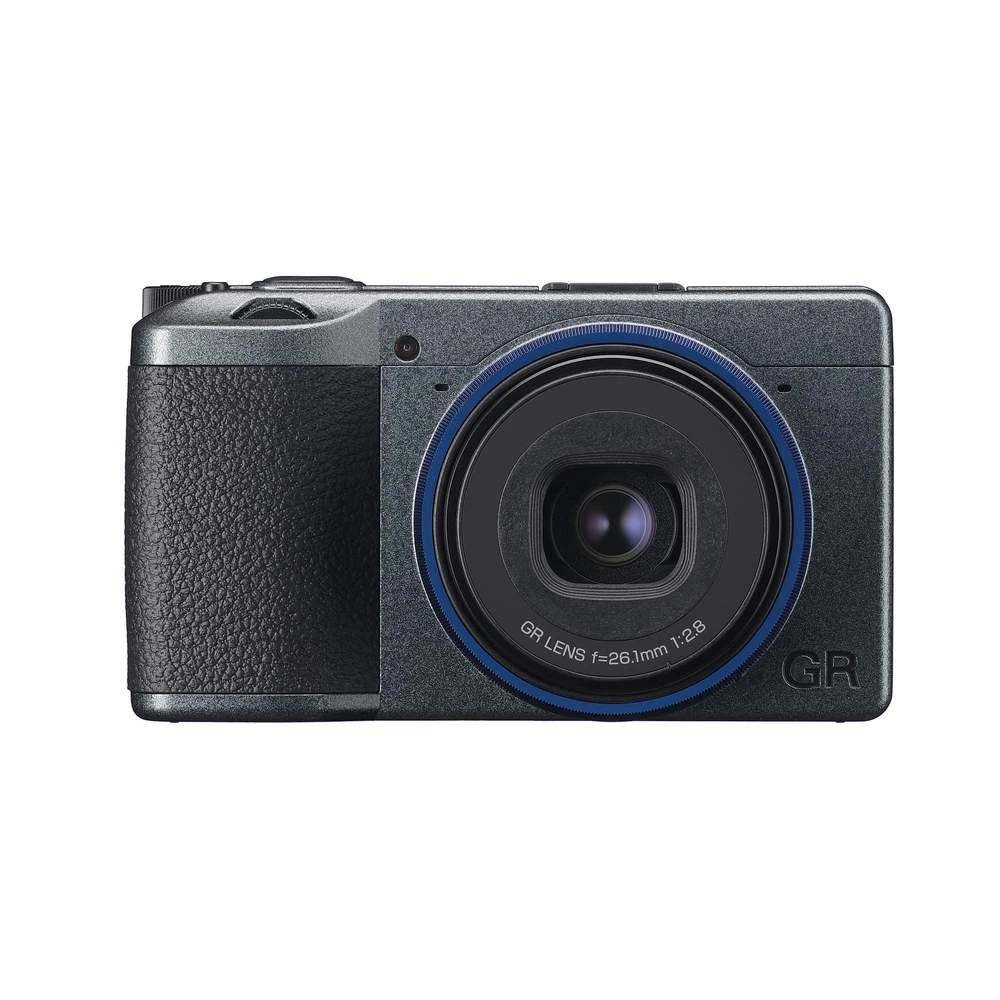
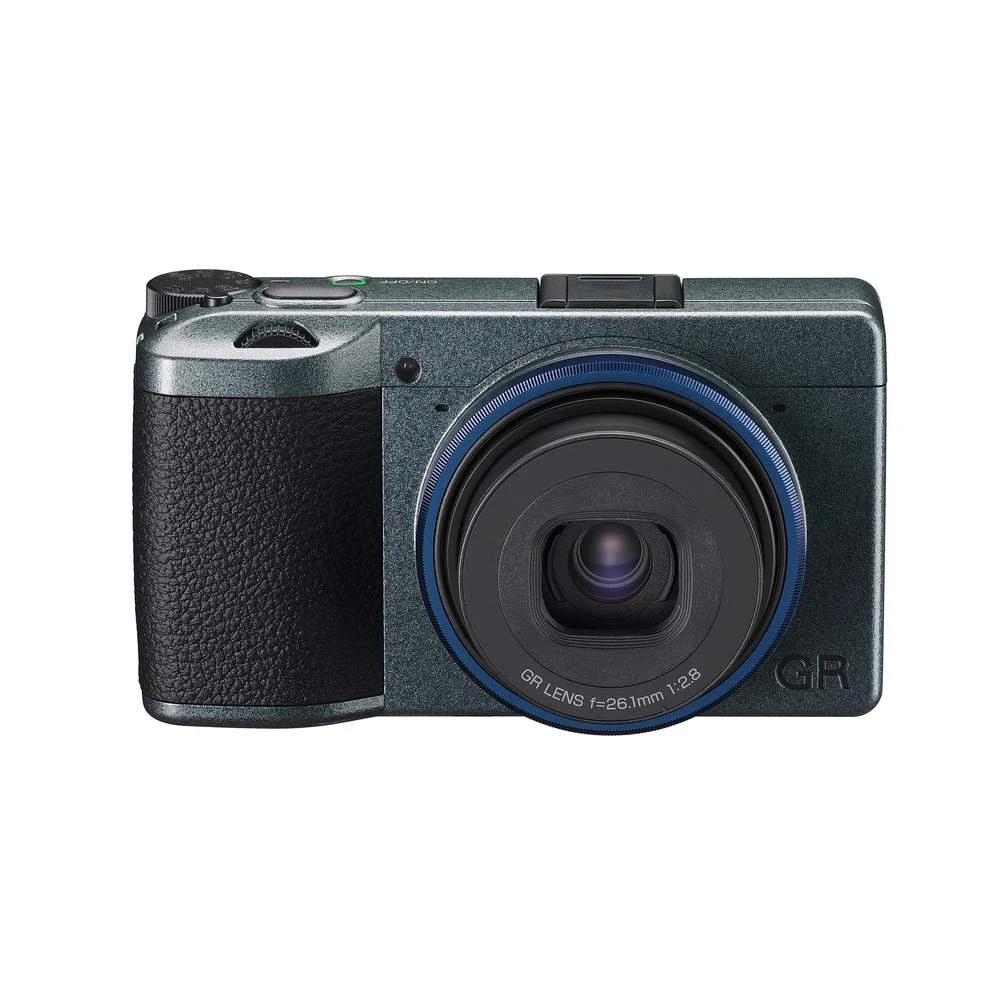
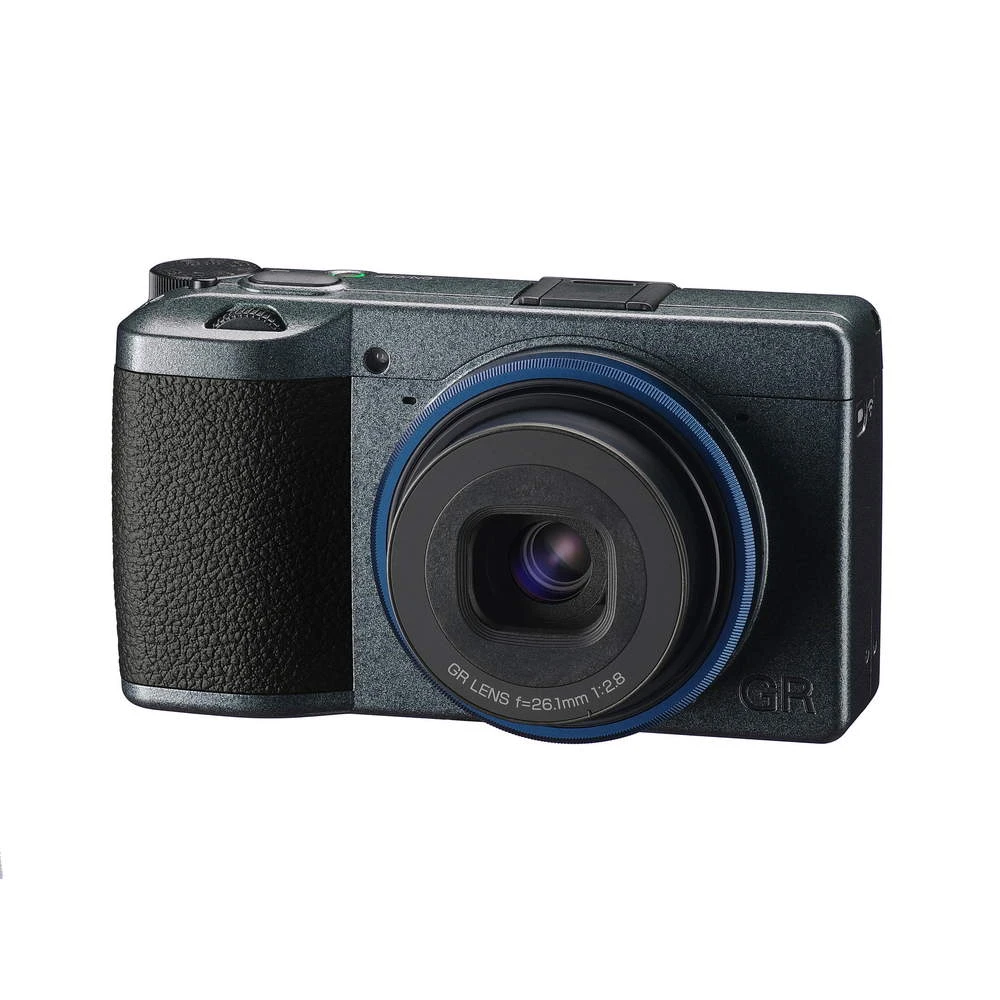
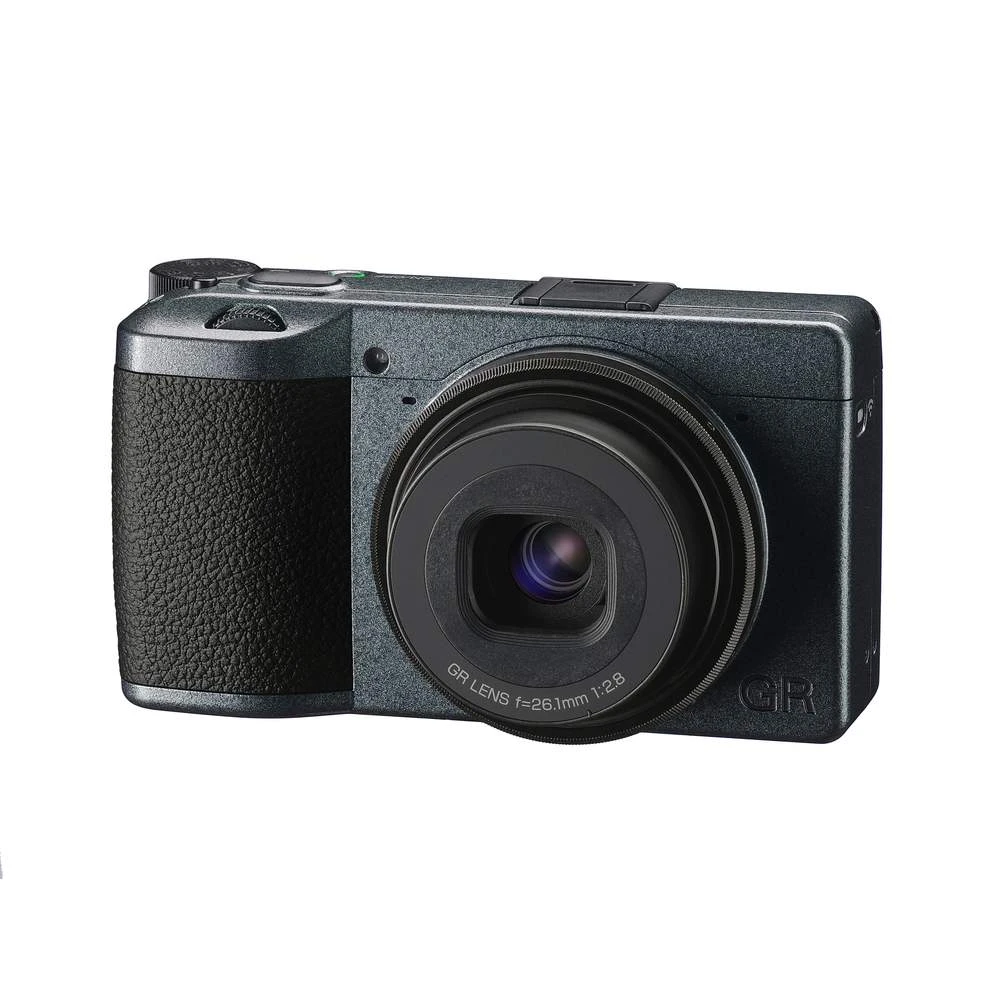

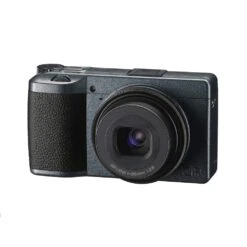

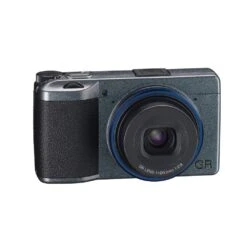
Ricoh GR IIIx Urban Edition With GC-11 Soft Case GRIIIX
Original price was: $314.00.$99.99Current price is: $99.99.
- “Urban Edition” – Additional features over the standard GR IIIx
- GC-11 Soft Case included
- Magnesium alloy body for toughness and durability
- 2 GB of built-in memory for saving images when you need it most
- Excellent connectivity to external devices with USB Type-C
- Ultrasonic wave cleaning to keep the image sensor dirt free
- Outdoor View Setting for high visibility and brightness that adapts to your surroundings
- Safeguard Your Shopping Experience
- Superior Quality Goods
- Shop with Ease
- The quality you expect, the service you deserve.

Description
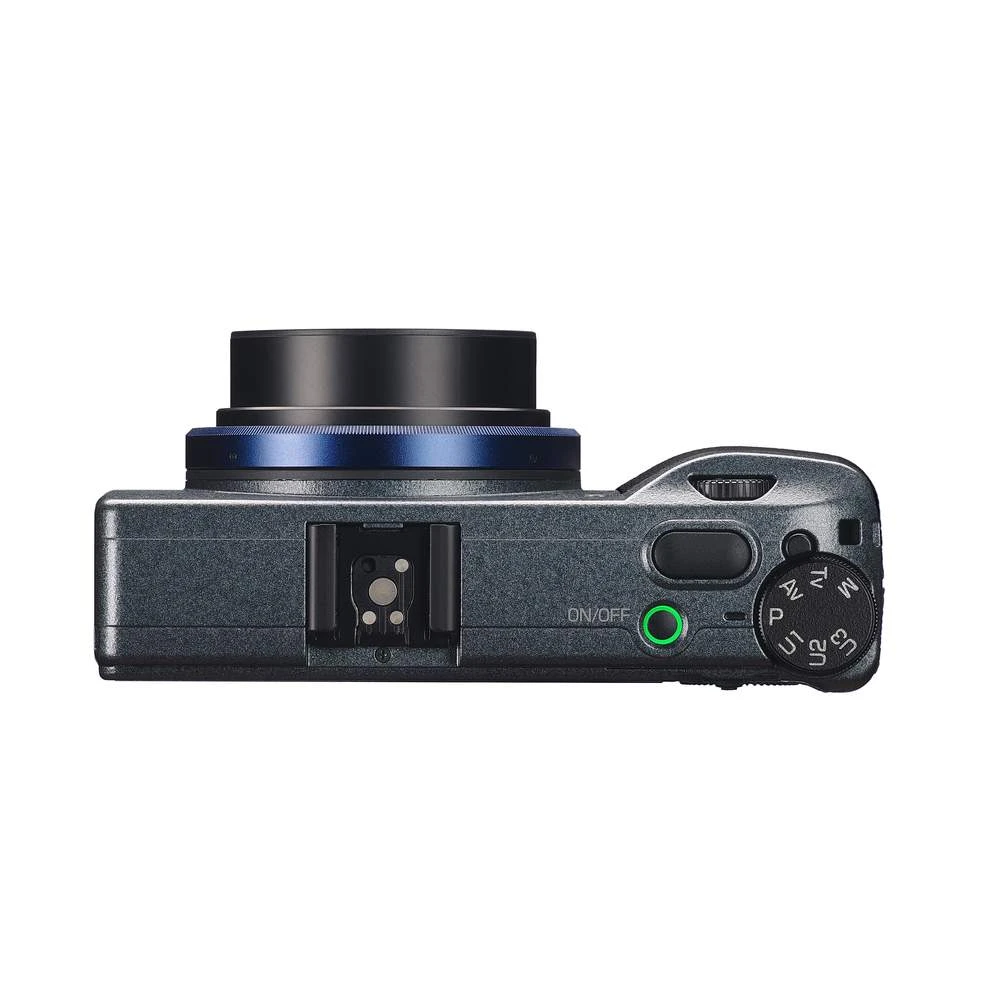
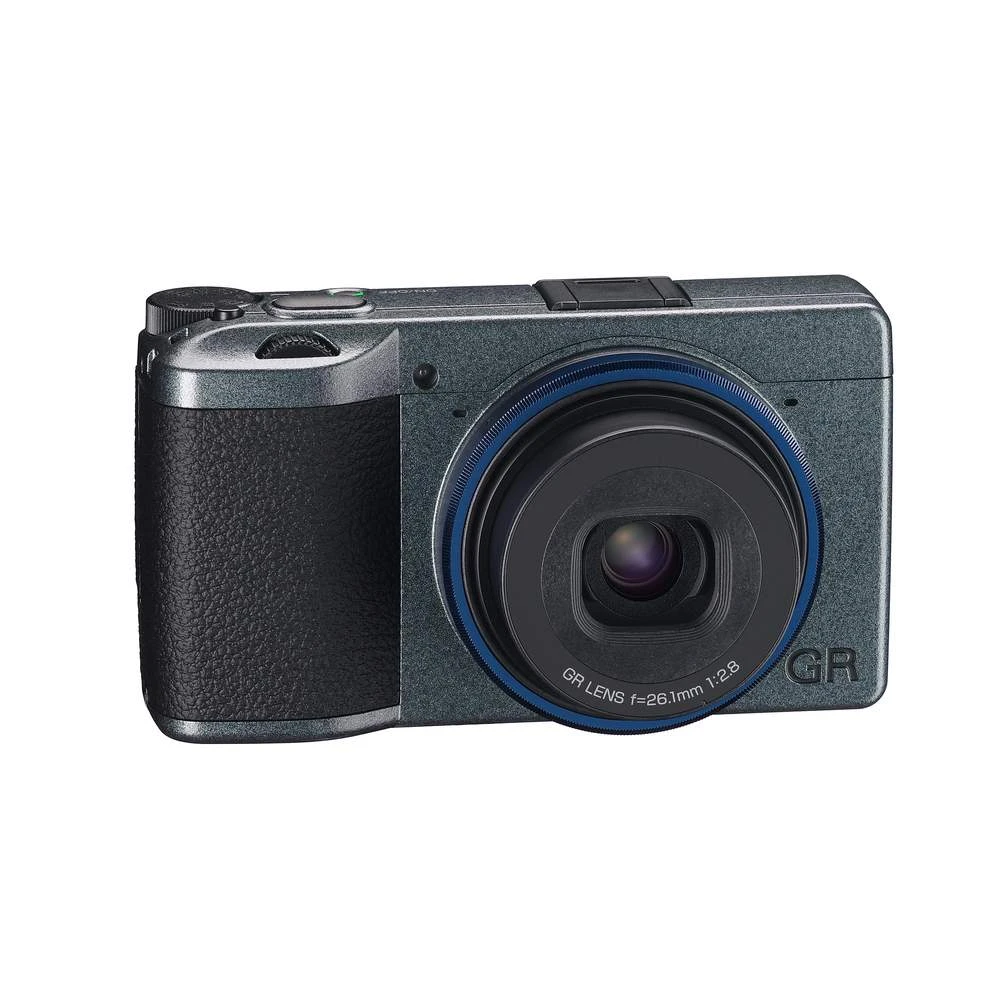
The Urban Edition is a special version of the RICOH GR IIIx. It differs from the standard model in the finish of the body. The elaborately designed surface, inspired by the asphalt of big city streets, ensures a comfortable and secure grip. Another feature is the blue lens ring, which is meant to evoke the lights of the sky and the neon lighting reflected in the puddles of big cities at night.
Inspired by street photographers who are in their element on the asphalt pavement, the metallic grey body has a unique texture created through repeated and complex painting processes. It’s body, while smooth, enables excellent grip, combining design and functionality.
The navy blue ring cap is specially designed to evoke the impression of an azure sky reflected in a puddle after rain, or neon lights of a city that never sleeps.
When the power is turned off, the Urban Edition features a special power-off graphic with a street-like background and special logo.
In addition to the existing features of the award winning GRIIIx, various new functions have been added to the Urban Edition,
- A new exposure mode, “Snap Distance Priority Mode” has been added. By setting the snapshot distance and depth of field (DOF) in advance, you can instantly recall the setting. DOF3, in particular, sets the f-stop so that the depth of field is close to pan-focus, allowing you to enjoy faster shooting.
- “Auto-area AF (Centre)” has been added to the Focus. Auto-area AF works around the centre of the frame (9 areas) instead of the entire frame. This prevents the camera from focusing on unintended areas such as the ground in front of you, allowing you more control of your street snaps.
- “Enable AF” has been added to the Shutter Button Setting. It is now possible, when the shutter button is pressed halfway, that only the AF is locked without locking the AE.
- “3.5m” has been added to the Snap Focus Distance.
- Long tapping on the playback screen can now recall the Playback Settings.
Check out our Ricoh GR III Accessories page for everything you need to go with your GRIII or GRIIIx camera
Ricoh GR IIIx Compact Camera
The RICOH GR IIIx has been developed in response to user requests for a new GR-series camera that will add a new perspective to the highly acclaimed RICOH GR III. The GR III was released in March 2019, featuring a 28mm wide-angle lens and designed to further enhance the essential values of the GR-series: optimizing image quality, snapshot capabilities and portability. The newly designed 26.1mm GR lens on the Ricoh GR IIIx provides a 40mm angle of view in the 35mm format, close to the photographer’s own effective field of view. Depending on the way the lens is used, this versatile angle of view can create different image renditions: you can capture an image similar to those taken at a 30mm semi-wide angle, or create a completely different visual expression as if taken at a 50mm standard angle. The camera also provides a range of new and upgraded post-shooting functions to edit captured images to the photographer’s preference.
What’s in the box
- Rechargeable Battery DB-110
- USB Power Adapter
- Power Plug
- USB Cable I-USB166
- Handstrap
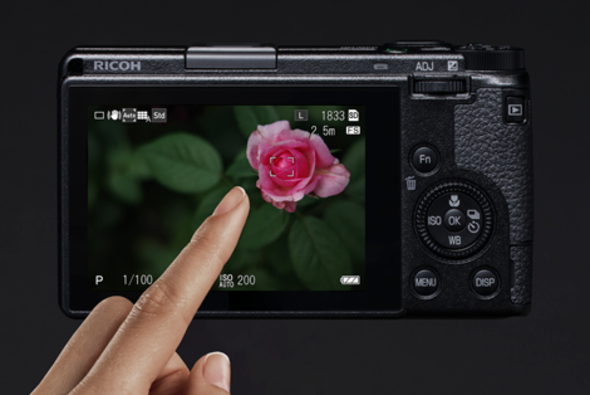 | 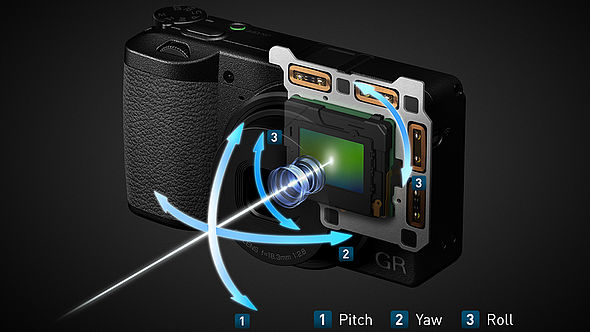 | 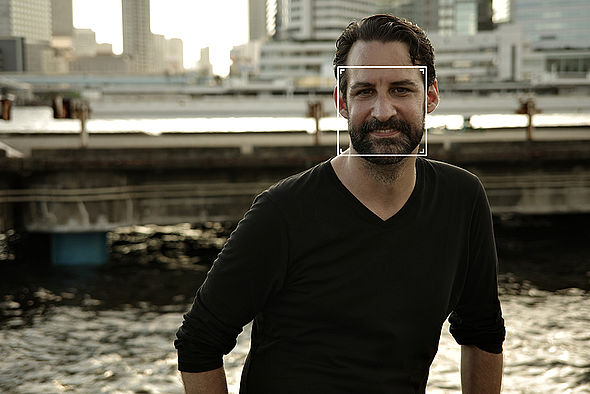 |
| Touch panel and control dial that enables intuitive controls The LCD monitor features a touch panel. Simply touch and slide to move the AF frame or access the menu. You can also pinch in and out during playback to change the magnification, flick to view the previous and next images or even go back to the center of the image by double tapping the monitor. A control dial is also positioned around the four-way button. This layout makes it possible to quickly operate the camera with a simple action while maintaining a secure grip on the camera. | 3-axis, 4-step Shake Reduction for high image quality across a wide shooting range Camera shake is reduced for crisp images even when taking split-second snapshots. Shake Reduction(SR) is installed while making the body size of Ricoh GR IIIx compact. It minimizes the shake on three axes, including yaw, pitch and roll. Compensation effects deliver as many as 4 steps of shutter speed. | Face/eye detect autofocus to assist portrait shooting The camera detects faces or eyes and focuses. This feature is enabled in [Auto Area AF], [Select AF], and [Pinpoint AF]. When the face or eye is detected and in-focused, the focusing point is framed. It is also possible to enable this feature only in [Auto Area AF]. By using this setting, when you want to focus on a subject instead of faces, simply switch the focus mode without turning face/eye detect off. |
| Lens Construction | 7 elements in 5 groups (2 aspherical lens elements) |
|---|---|
| LENS - Focal Length | Aperture – 26.1mm (Approx. 40mm in 35mm equivalent focal length), F2.8~F16 |
| Image Sensor - Type | Primary color filter CMOS. Size: 23.5mm x 15.6mm |
| Effective Pixels | Approx. 24.24 megapixels |
| Sensitivity (Standard output) - ISO100~102400 | Auto (ISO Auto Lower/Upper Limit and Minimum Shutter Speed can be set), Manual |
| Image Stabilization | Sensor-shift shake reduction (SR)(3-axis) |
| Still Image - File Format | RAW (DNG) 14bit, JPEG (Exif 2.3), DCF2.0 compliant Color Space: sRGB、AdobeRGB Recorded Pixels: 【3:2】L(24M:6000×4000), M(15M:4800×3200), S(7M:3360×2240), XS(2M:1920×1280) 【1:1】L(16M:4000×4000), M(10M:3200×3200), S(5M:2240×2240), XS(1.6M:1280×1280) |
| Movie - File Format | MPEG4 AVC/H.264 (MOV) Recorded Pixels: Full HD (1920×1080, 60p/30p/24p), Sound: Built-in stereo microphone Recording Time: Up to 25 minutes or 4GB; automatically stops recording if the internal temperature of the camera becomes high. |
| Focus - Type | Hybrid AF (Image plane phase-matching and Contrast detection) |
| Focus Mode | Auto-area AF, Zone AF, Select AF, Pinpoint AF, Tracking AF, Continuous AF, MF, Snap (1m, 1.5m, 2m, 2.5m, 5m,∞), ∞ |
| Face/Eye Detection | ON, Use only in Auto-area, OFF *GR III will be supported with Eye detection with the coming firmware update. |
| Shooting Functions - Crop | 50mm, 71mm, OFF |
| Shooting Functions - Image Control | Standard, Vivid, Monotone, Soft Monotone, Hard Monotone, Hi-Contrast B&W, Positive Film, Bleach Bypass, Retro, Cross Processing*, HDR Tone, Custom1, Custom2 Adjust parameters: Saturation, Hue, High/Low Key Adjustment, Contrast, Contrast (Highlight), Contrast (Shadow), Sharpness, Shading, Clarity, Toning, Filter Effect, Grain Effect*, HDR Tone Level, Color Tone* (Adjust parameter varies depending on the selected image setting) *The latest firmware is required to use the full feature with GR III. Click here for more details. |
| Shooting Functions- Display | Display magnification (4x, 16x), Grid display (4×4 Grid, 3×3 Grid), Histogram, Bright area warning, Electronic Level |
| Language | English, French, Germany, Spanish, Portuguese, Italy, Dutch, Danish, Swedish, Finnish, Polish, Czech, Hungarian, Turkey, Greek, Russian, Thai, Korean, Simplified Chinese, Traditional Chinese, Japanese |
Be the first to review “Ricoh GR IIIx Urban Edition With GC-11 Soft Case GRIIIX”
Related products
Cameras
Cameras

Cameras

Reviews
There are no reviews yet.